







 LEARN DETAILS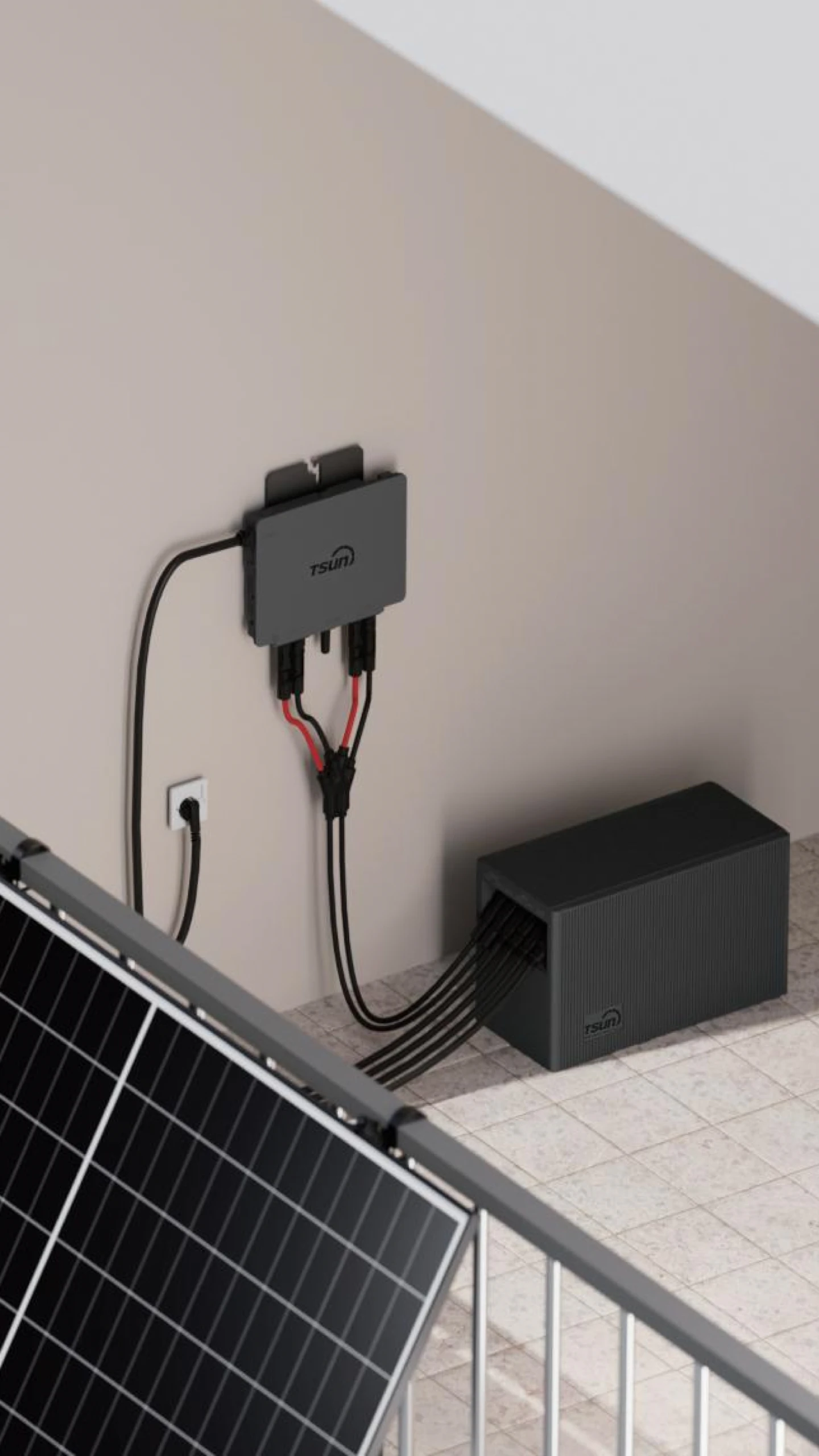
 Downloads
 Video Center
 Report Fault for Repair
 FAQS
FAQS Service Network
 Privacy Policy
 Contact Us
 Monitoring

AES Power Outage Guide: What to Do During an AES Power Outage
An AES power outage can happen without much warning. A strong storm, fallen branch, equipment problem, or traffic accident can suddenly leave your home in the dark. When that happens, most people want fast answers: whether AES already knows about the outage, how large the problem is, and when electricity may return.
This guide explains what AES is, where it provides service, how the outage map works, how to read outage symbols correctly, how to report a problem, and what to do to stay safe during a blackout. It is designed to help you move from uncertainty to action quickly, whether your outage lasts ten minutes or much longer.
What is AES?
AES is a large energy company that provides electric service to millions of customers in the United States like Indianapolis, Indiana, and Dayton, Ohio. AES helps keep electricity flowing from the grid to homes and businesses. That includes generation resources, transmission systems, substations, transformers, poles, lines, underground equipment, and the crews who inspect and repair those systems. When the power goes out in an AES service area, AES is usually the company responsible for identifying the issue and restoring service.
Some customers know AES by older local names. In Indianapolis, for example, people still sometimes search for IPALCO power outages. Even if the name people search is older, the current outage information generally comes through AES systems.
What States Does AES Provide Service In?
AES Corporation delivers a range of energy services—including utility-scale solar, wind, and energy storage solutions—throughout 27 U.S. states. In addition to its nationwide renewable energy presence, the company operates major regulated utilities mainly in Indiana (AES Indiana), Ohio (AES Ohio), California, Virginia, and Hawaii, providing service to more than 175 cities.
If you are unsure whether AES is your electric utility, the easiest way to confirm is to check a recent electric bill or your online account portal. Your provider name, service address, and outage contact methods should be listed there. That is the fastest way to make sure you are checking the right map and reporting the outage to the correct company.
What is the AES Power Outage Map?
The AES Power Outage Map is an online tool that shows where active outages are happening, how many customers may be affected, and whether restoration information is available. For most users, the map is the fastest first step after the lights go out. It gives customers a quick way to see whether AES is aware of the problem and whether crews are working on it.
The map usually includes several helpful features. It may show outage markers, a search bar, customer counts, and restoration details such as whether a crew is pending, dispatched, or on-site. It may also include a sidebar with a quick summary of the number of customers currently affected.
How do You Check the AES Power Outage Map?
The main goal of checking the AES outage map is to confirm whether AES has identified the outage, see how widespread it is, and review any available restoration estimate. If you have never used the map before, these steps can help you get useful information quickly.
- Find the official outage map through AES: Start from the AES website or customer portal so you know you are using the correct source.
- Search by address, ZIP code, or service area: Use the search bar to jump directly to your neighborhood instead of dragging across the full service territory.
- Read outage counts and affected locations: Review nearby outage markers, customer counts, and clustered incident icons. This helps you tell the difference between an outage affecting one small area and a larger event involving many streets, neighborhoods, or feeder lines across the local grid.
- Check estimated restoration details: If AES has enough field information, the map may show an estimated restoration time and crew status such as pending, dispatched, or on-site.
- Refresh for the latest status updates: Outage information can change quickly during storms, heavy winds, or multi-neighborhood events. Refreshing the page or checking back after a short interval helps you avoid relying on old information.
For anyone checking an Indianapolis power outage or power outage Dayton Ohio update, the best way to use the map is as a decision tool. It helps you understand the likely size of the event, whether AES is actively responding, and whether you should prepare for a short interruption or a longer outage.
Reporting an AES Outage the Right Way
Checking outage status is helpful, but reporting the outage is what turns information into action. If your power is out, an accurate report helps AES confirm the problem, assess the size of the event, and improve restoration planning. Even if the outage appears on the map, your report can still add useful detail tied to your service address.
Start by giving clear and basic information. The most useful details are your service address, callback number, and whether nearby homes also appear to be out. If you see visible damage, such as sparking equipment, a fallen line, or a damaged pole, mention that immediately and keep a safe distance.
- Use the online outage reporting option for standard outage reports: Online reporting is often the simplest and fastest method because it links directly to your account. It is especially helpful during busy storm periods when phone lines may be crowded.
- Contact AES by phone when the situation is urgent or unusual: Phone reporting is the better choice when the outage involves immediate safety concerns, visible damage, strange sounds, smoke, or a downed line.
- Keep account and location details ready: Having your account number, address, and a brief description of what you see makes the process smoother and helps AES distinguish between a single-home issue and a larger distribution problem.
Common Causes of AES Power Outages
Understanding common causes helps explain why some outages are restored quickly while others take much longer. The time needed for restoration depends on the type of damage, how accessible the location is, and whether there are safety hazards.
- Severe weather and storm damage: High winds, lightning, heavy rain, and ice can all damage utility lines. Storm-related outages often take longer because crews may be responding to many problems at once.
- Equipment failure and grid maintenance: Transformers, switches, and underground cables wear over time. Utilities also need to temporarily de-energize parts of the system to complete repairs safely.
- Vehicle accidents and damaged poles: A single car crash involving a utility pole can shut off power to many homes. Restoration takes longer because crews often need to replace the pole and secure lines before restoring power.
How to Deal with Power Outages?
The best way to handle an outage is to think in three steps: confirm and report the outage, stay safe while the power is off, and prepare in case restoration takes longer than expected.
- Report every time your home loses utility power: This helps AES verify the number of affected customers and the exact spread of the outage.
- Stay away from downed lines: Always assume any fallen wire is energized. Keep children, pets, and vehicles away.
- Consider Battery Backup for the Home: Backup power can keep essentials running, including refrigerators, lights, routers, and medical devices.
Consider a Flexible Backup Power Solution
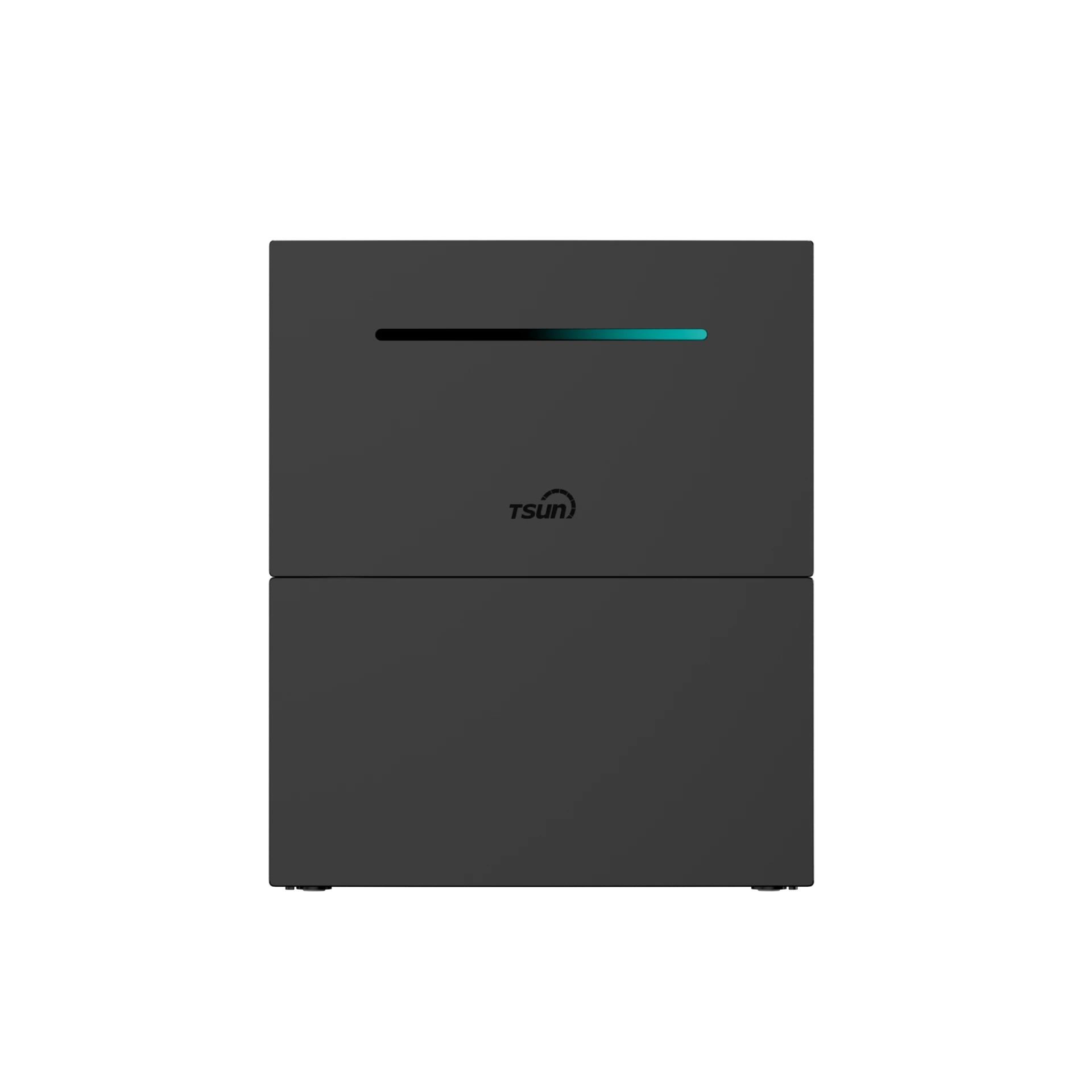
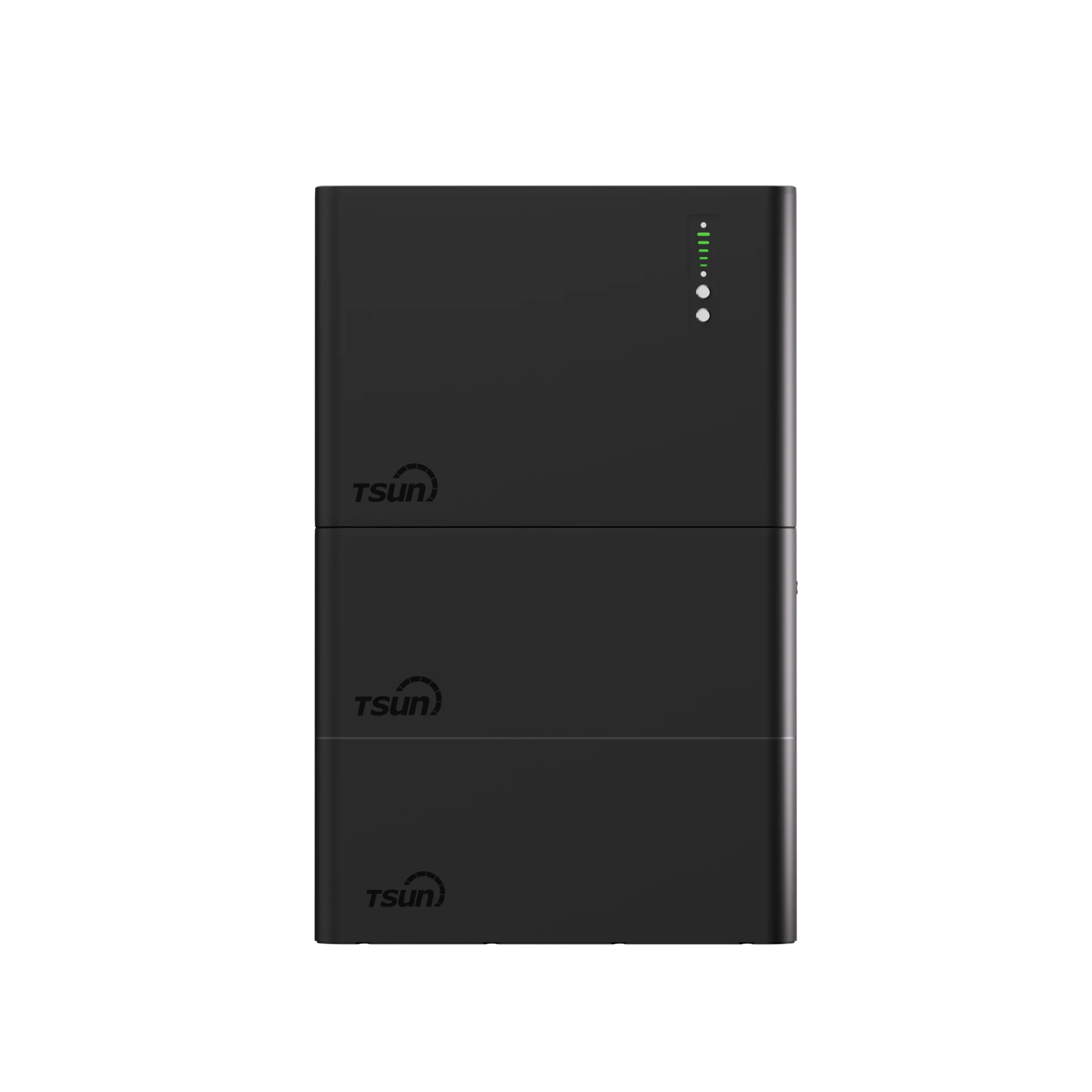
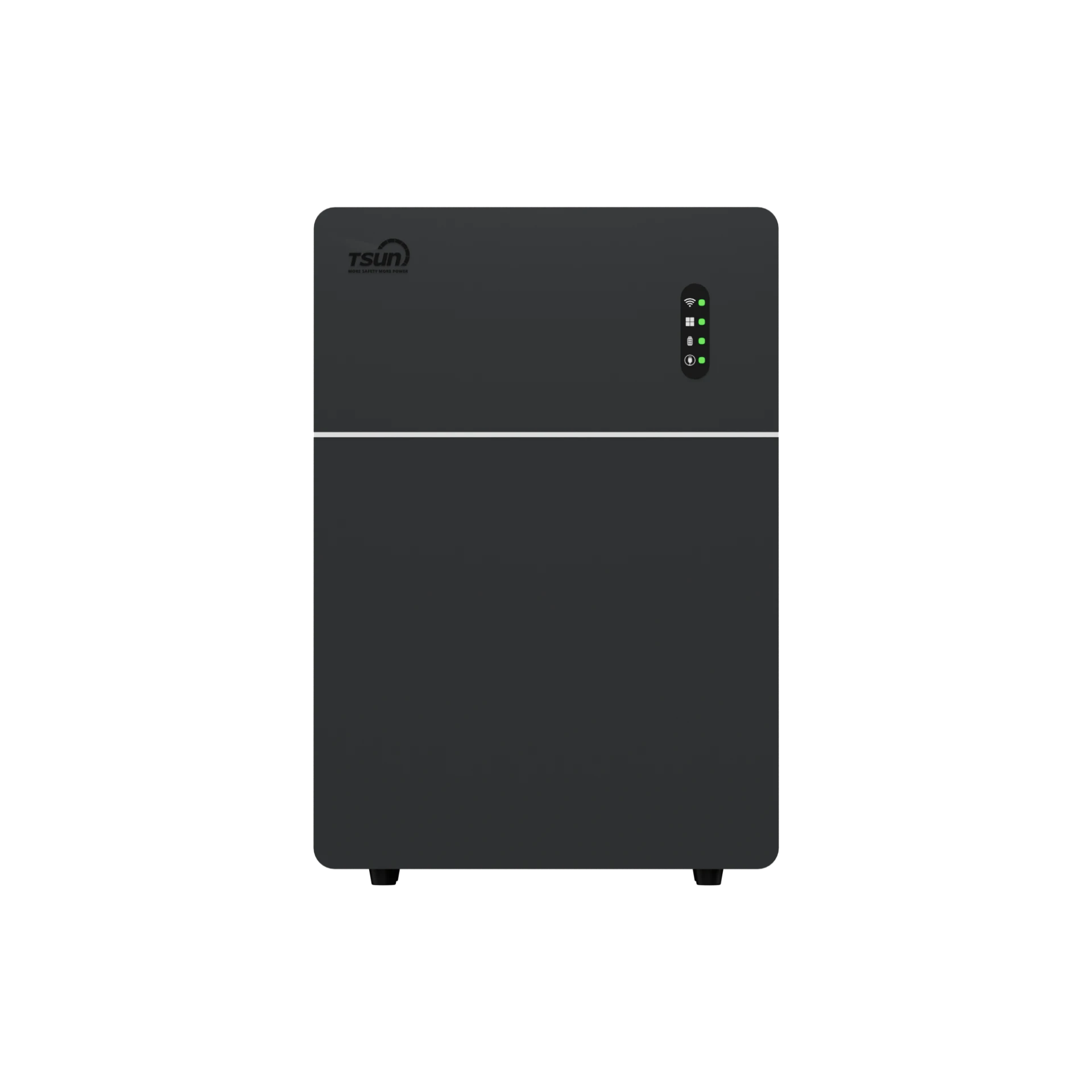
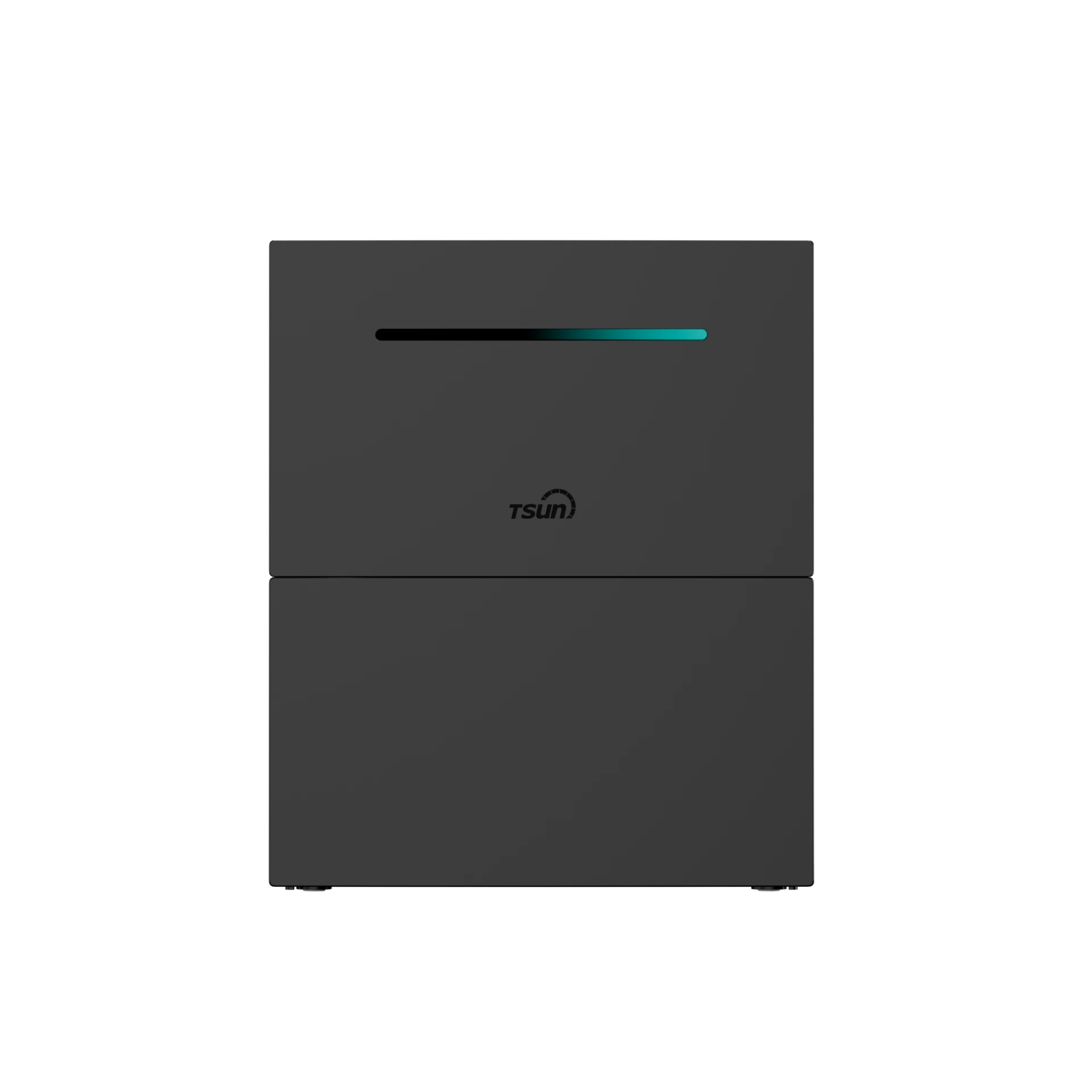
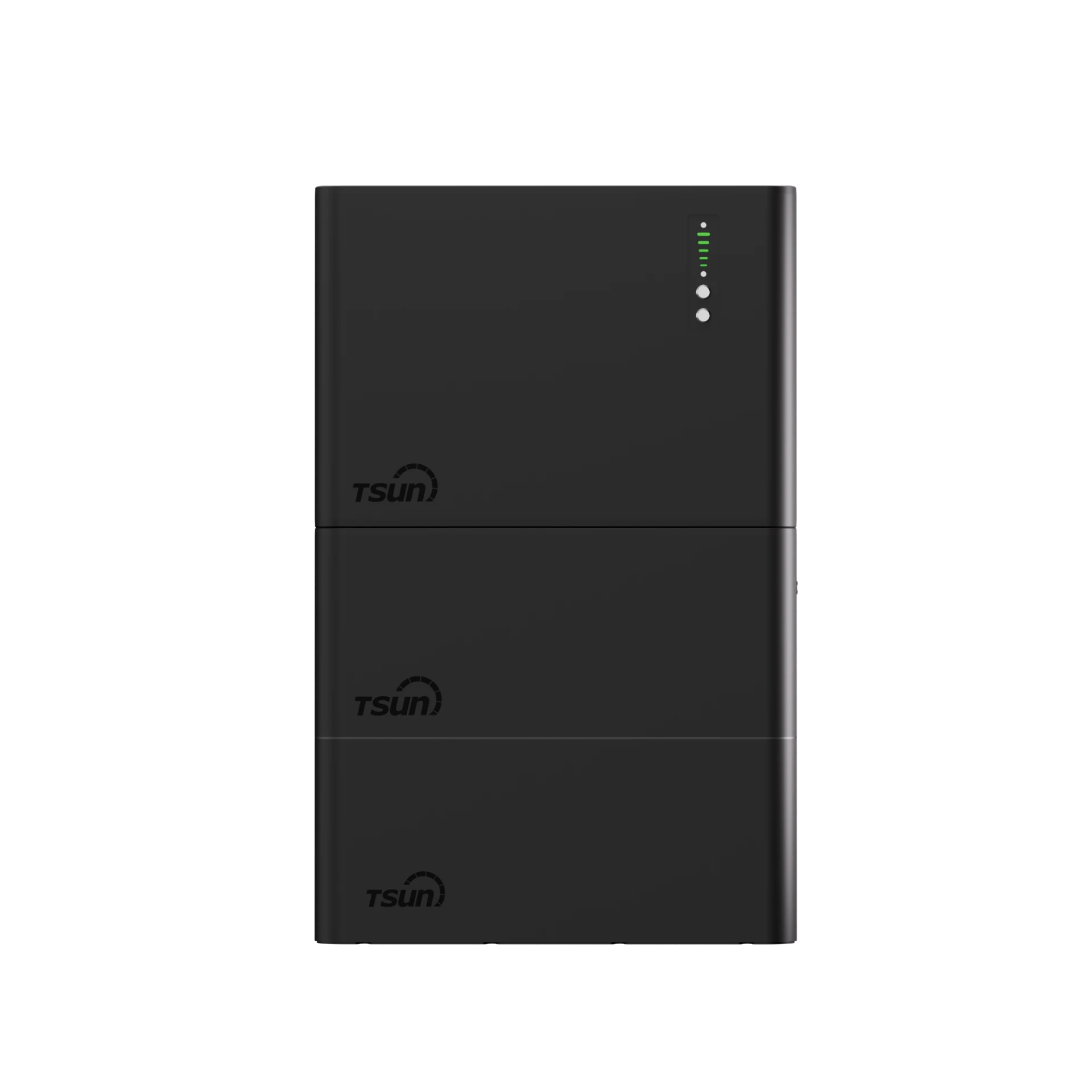
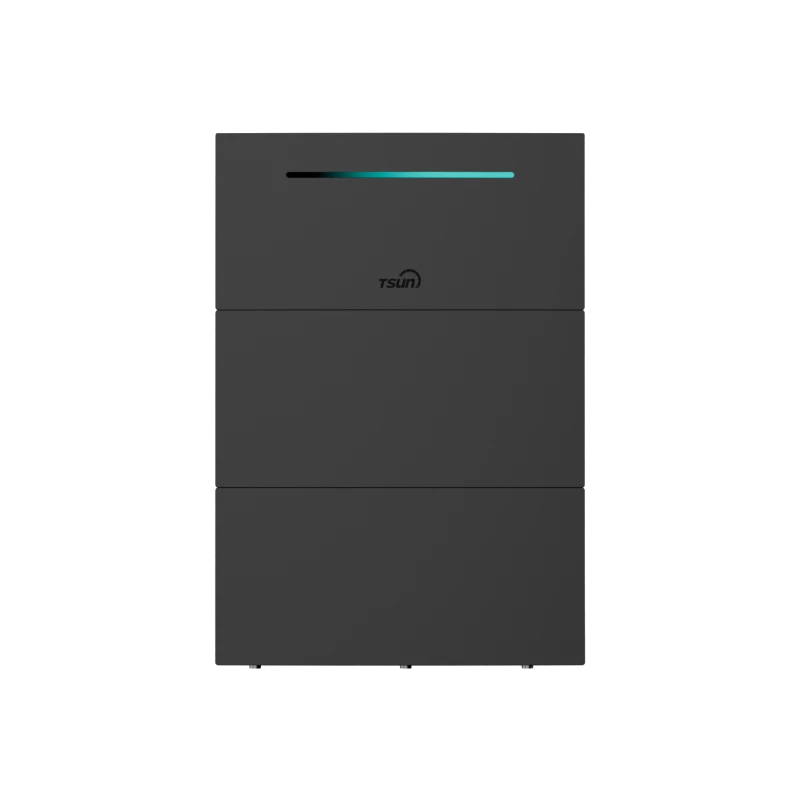
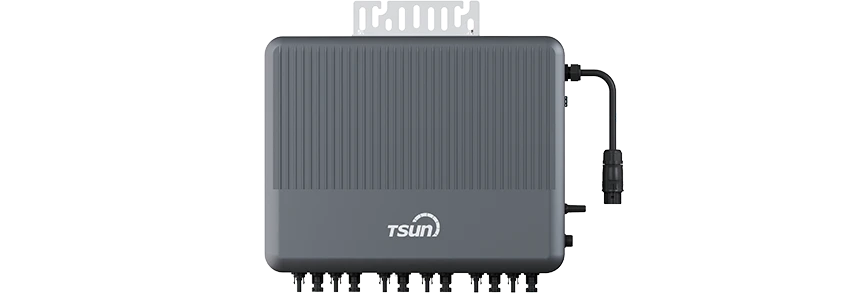
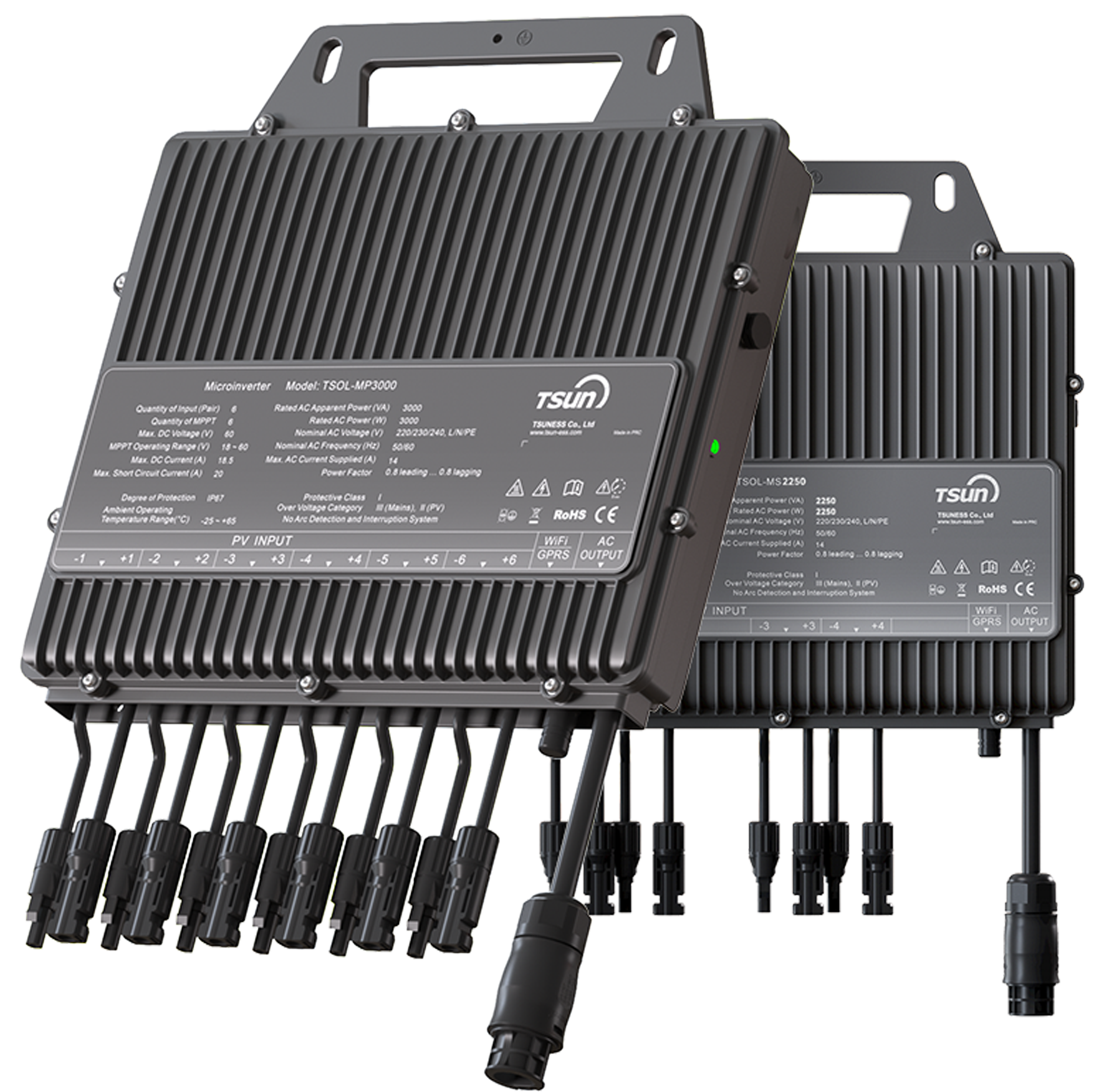
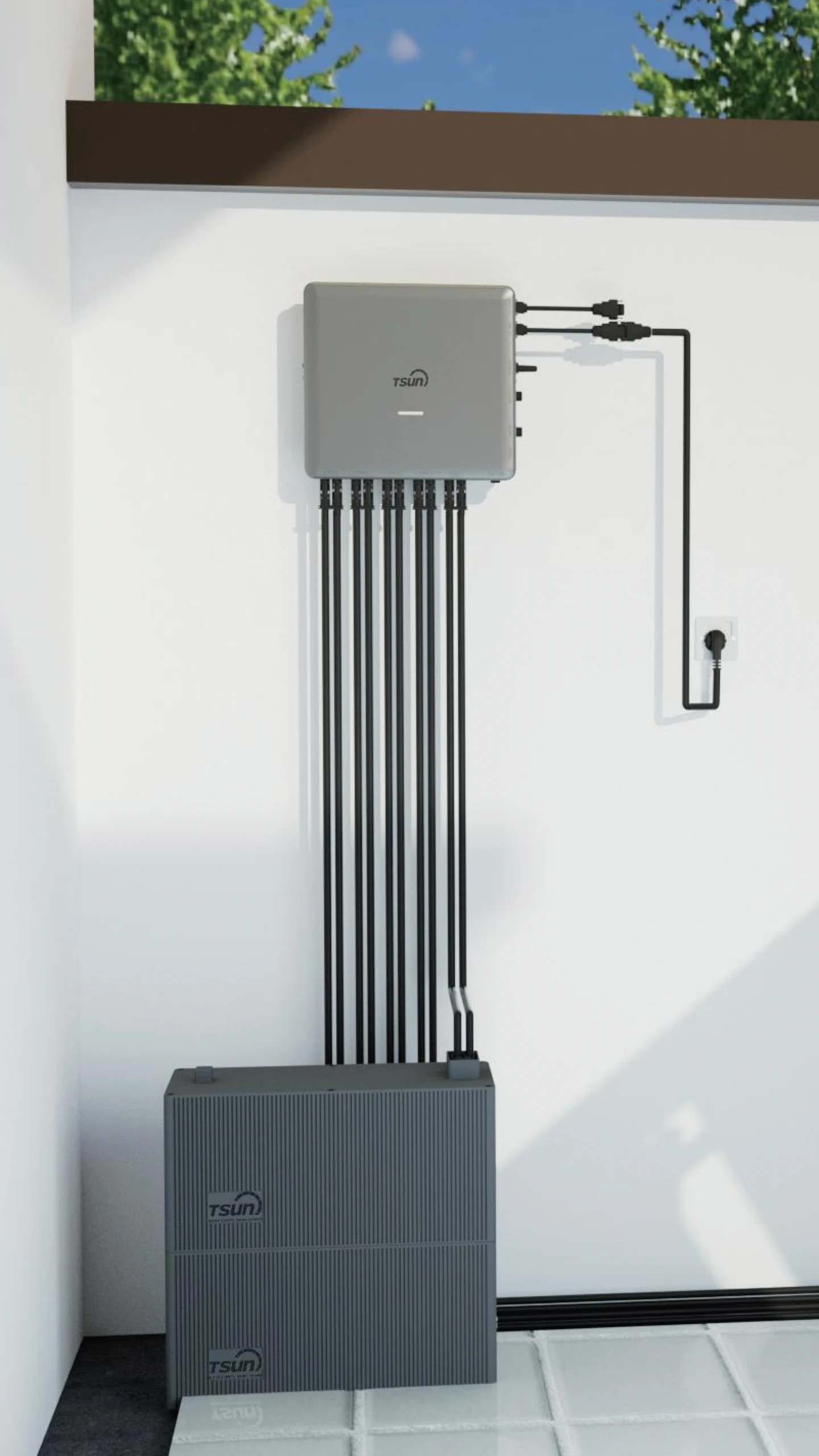
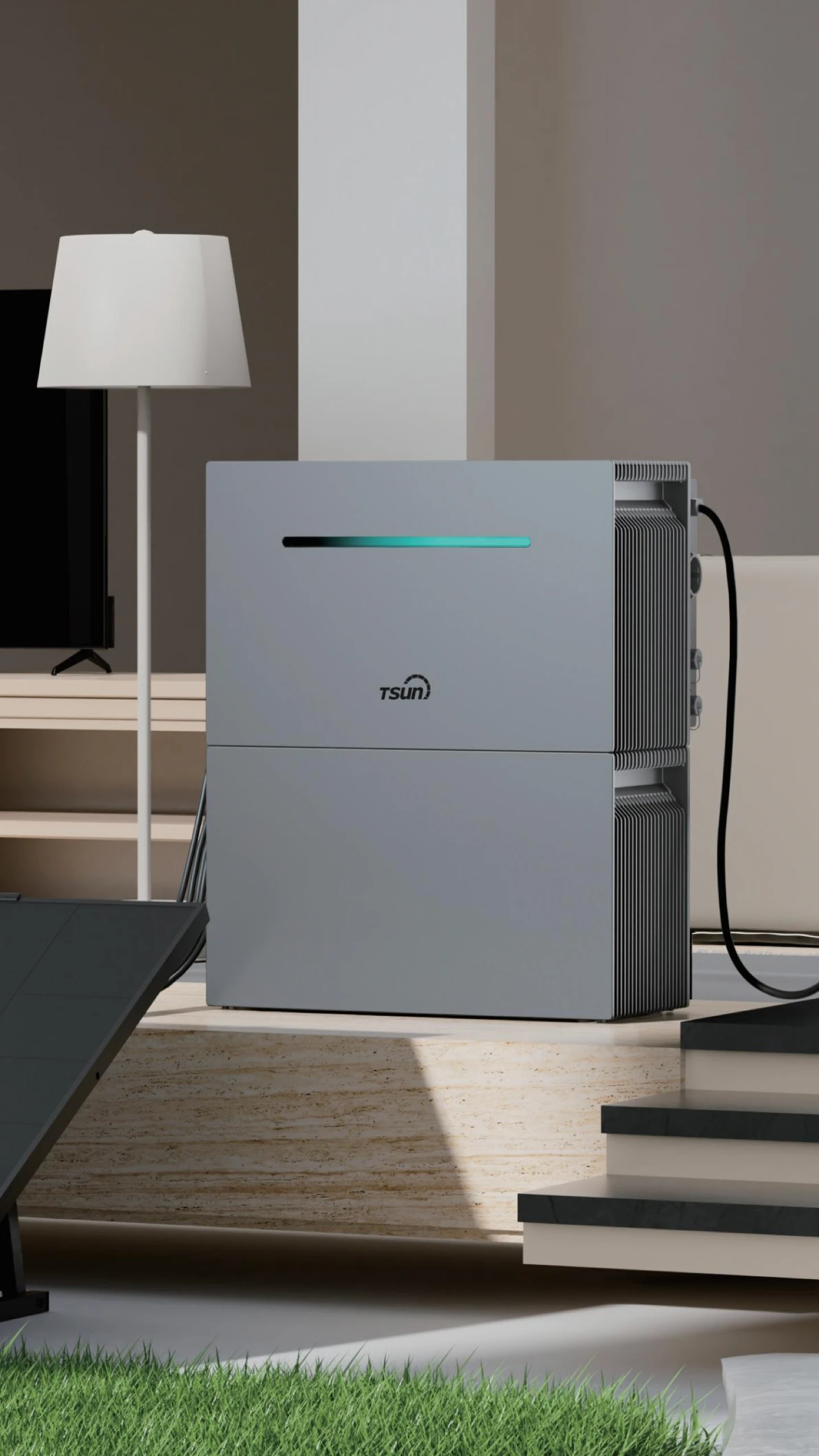
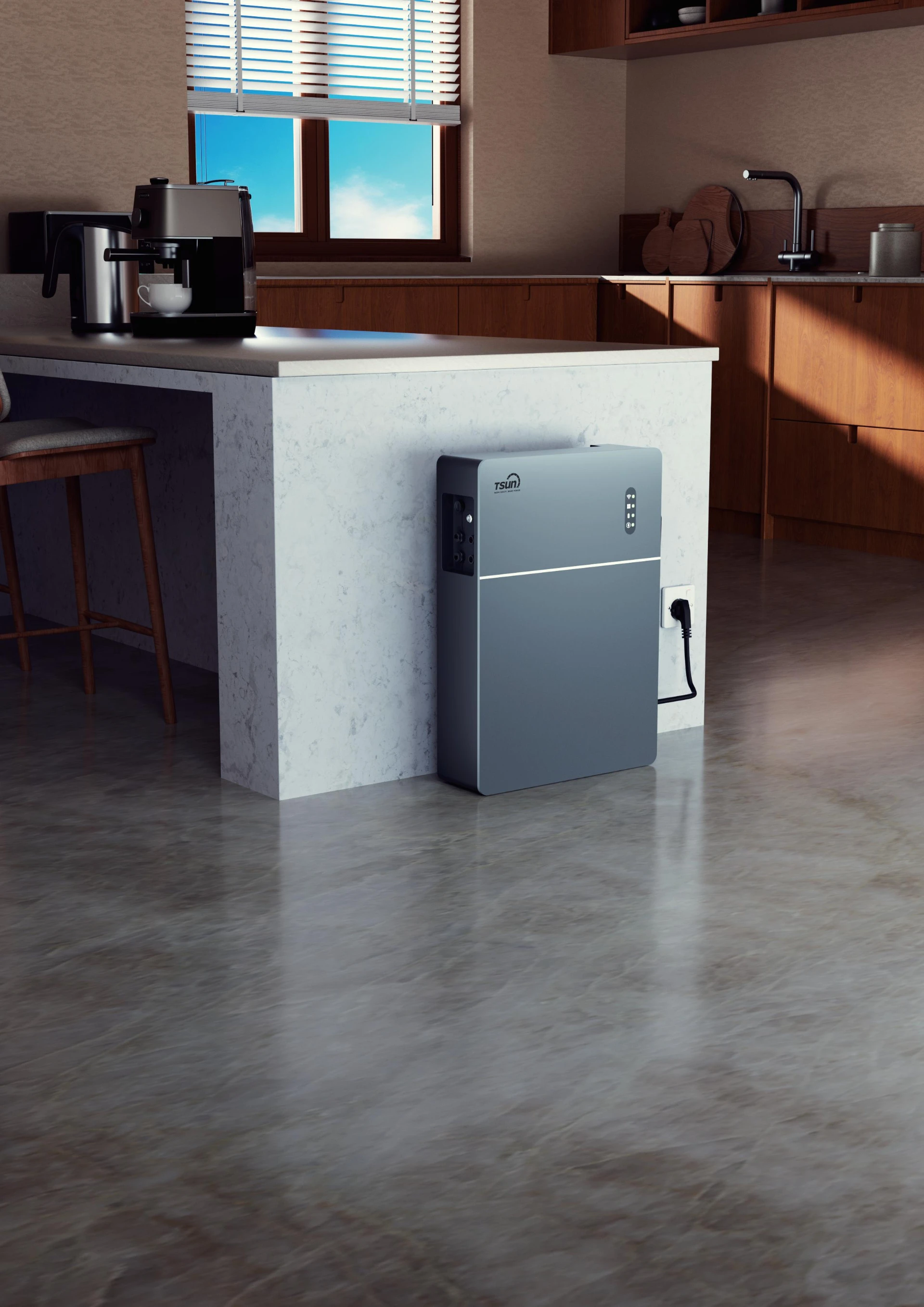
For households that experience repeated outages, a modular backup system can provide added security during longer interruptions. A compact option like the TSUN MAU5000 Elite can support essential home devices during emergencies while still offering room for future expansion.
- Scalable capacity: Start with a smaller setup and expand as household energy needs grow.
- Whole-home capable output: Delivers robust turbo power to support larger appliances such as central air conditioning.
- Fast backup response: A swift switchover time helps keep important devices running with minimal interruption during outages.
For broader planning, a Whole House Generator setup may offer more complete support during longer interruptions, especially for households that need continuous power for large appliances or home office equipment.
Conclusion
An AES power outage is never convenient, but it is much easier to manage when you know what to do. Whether you are tracking a power outage Indianapolis event, looking up power outages Indianapolis Indiana, or following a Dayton power outage, the same approach applies. Check the official map, report the outage correctly, and stay alert for hazards. A little preparation with backup power solutions can make the next blackout safer, less stressful, and easier to manage.
FAQ
How often does the AES power outage map update?
The AES map usually updates regularly, often within minutes, though timing can vary by service area and outage conditions. During major storms, updates may feel less predictable because new reports and field assessments are arriving quickly.
Why does my home have no power if the AES outage map shows nothing?
This often means the outage is very new, affects only a few homes, or is related to your property rather than the wider grid. Check your breaker panel first. Then see whether nearby houses or streetlights are also out. If the outage appears external, report it to AES even if the map has not updated yet.
Is AES the same as IPALCO for Indianapolis power outages?
IPALCO power outages is an older search phrase that people in Indianapolis still use when looking for local outage information. Today, current outage reporting and map updates generally come through AES. So if you use the older term, the official outage tools you need are usually still the AES ones.
What should I do during an extended AES power outage?
Report the outage, monitor official updates, and focus on safety. Keep refrigerator and freezer doors closed, use flashlights instead of candles, and unplug sensitive electronics if needed. Stay away from downed lines and never run a generator indoors or too close to the house. If the outage may last many hours, conserve phone battery and check on anyone with medical or mobility needs.

 LEARN MORE